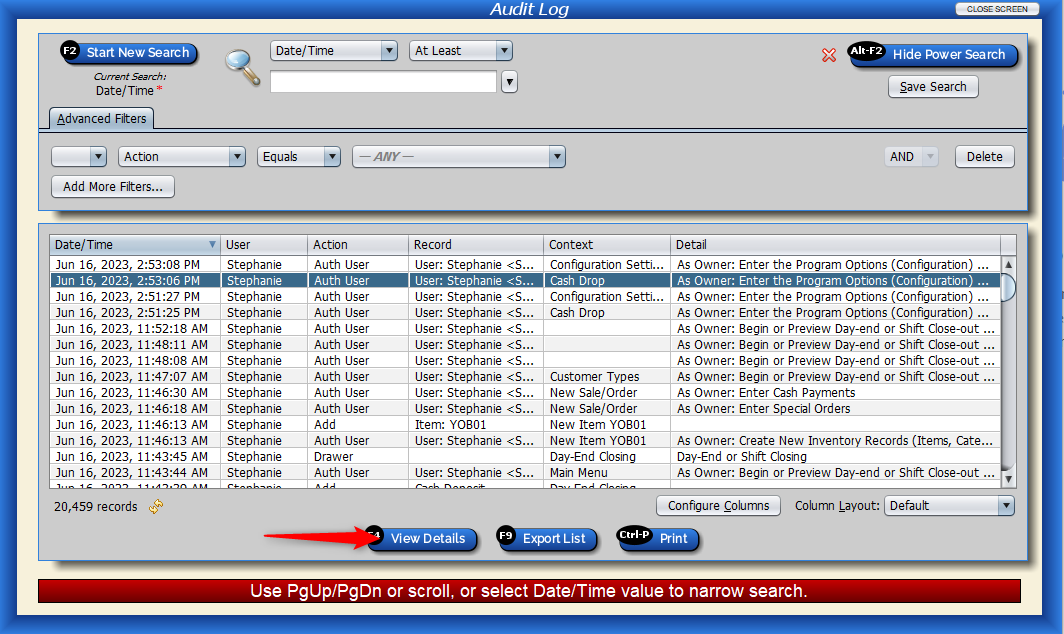
What is the Audit Log?
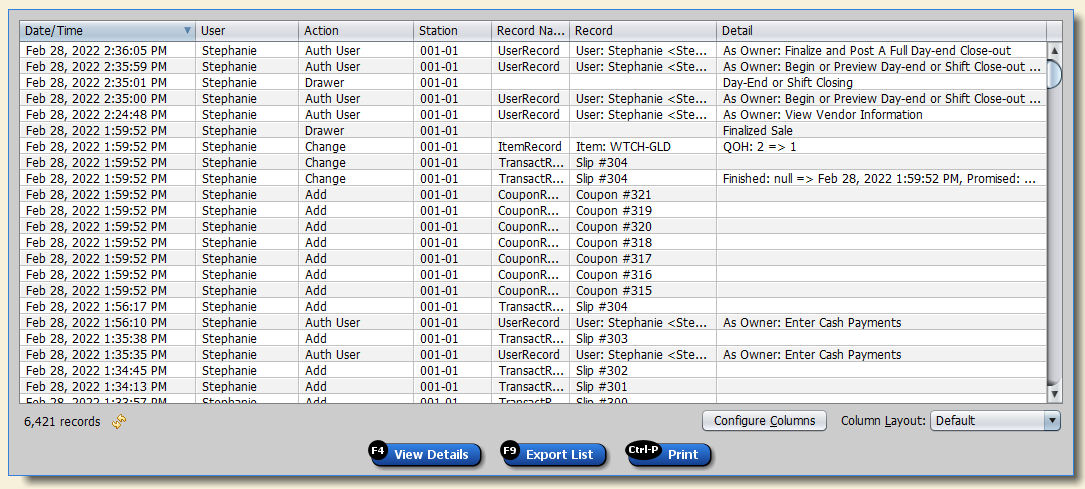
The Audit Log tracks all activity Users make in Artisan. This includes opening, editing, adding, and removing records, accessing areas of the program, opening and closing the database, and more.
This helps you monitor every aspect of your data, down to the smallest, most specific detail.
Accessing the Audit Log
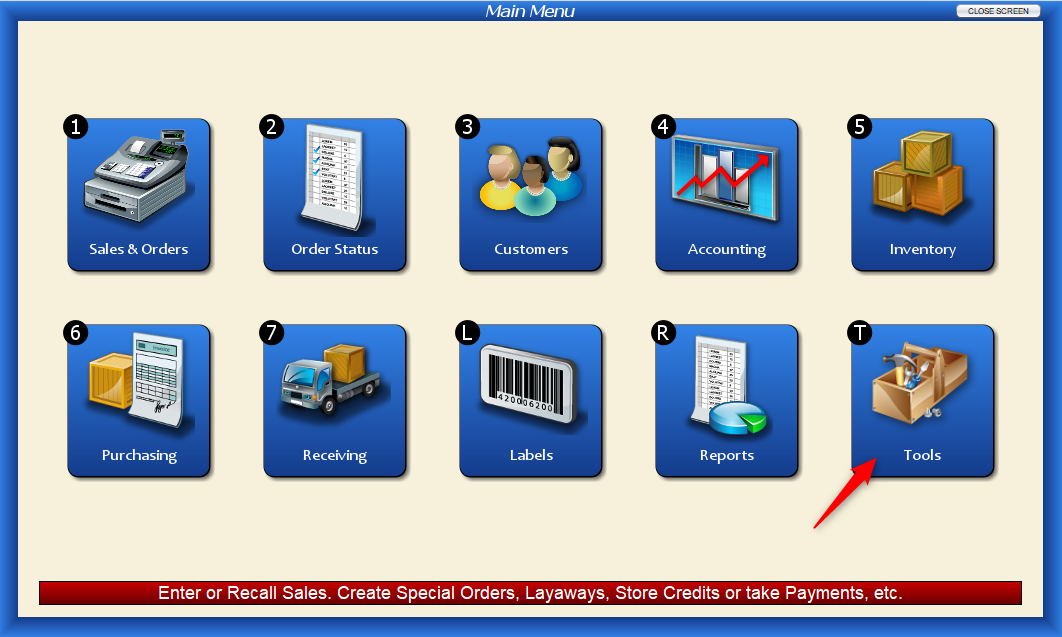
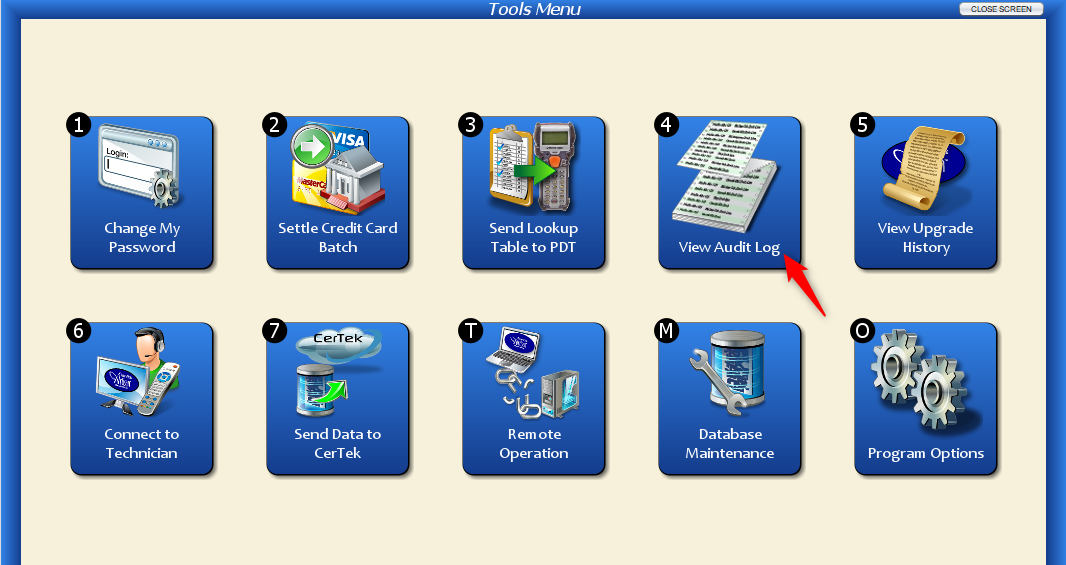
To view the Audit Log, click on “Tools” from the “Main Menu.”
Select “View Audit Log.”
Searching Records
The Audit Log’s default search is Date/Time. But, like any Artisan records screen, you can further filter your search and change your default search.
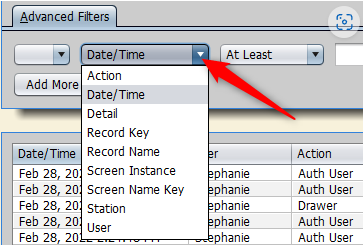
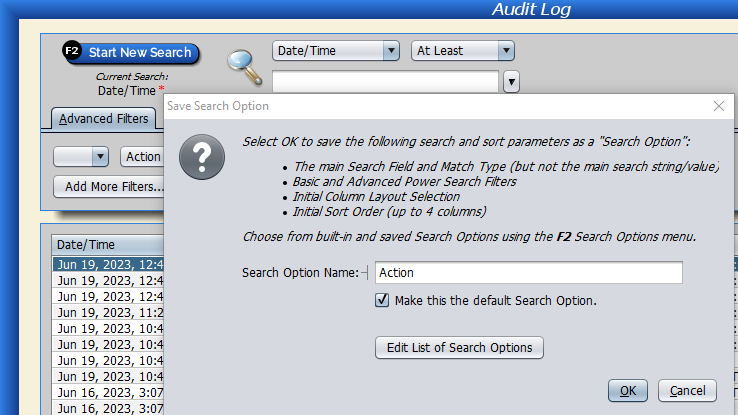
To change your default search, click on “Power Search” and select your desired fields. Select “Save Search” and check off the “Make this the default Search Option” box.
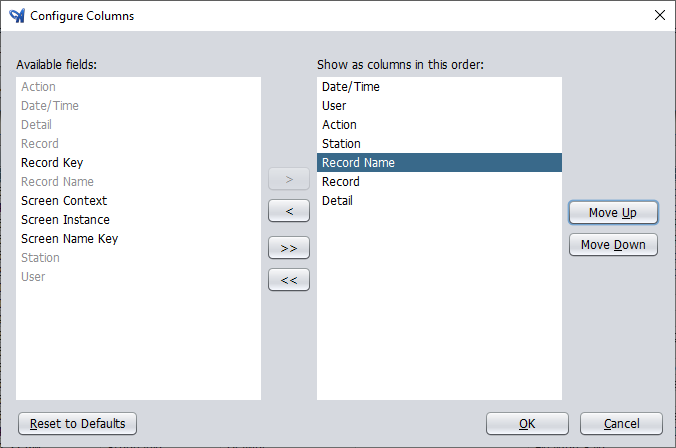
You can add other columns, such as “Station” and “Record Name” by clicking on “Configure Columns.”
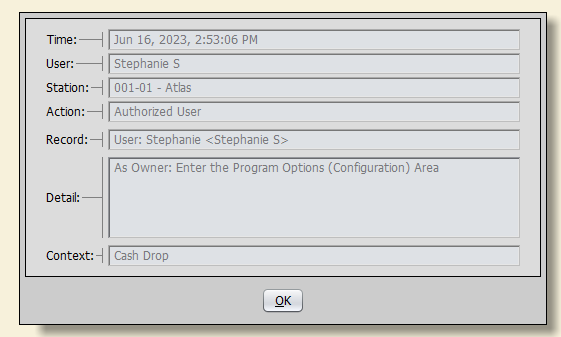
Click “View Details” to see more about the audit record.