
To set up your Star thermal receipt printer, you’ll need to configure some settings on your computer.
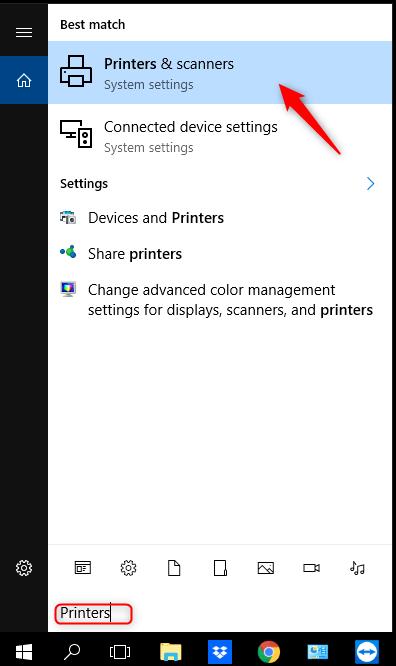
Search “Printers” in your Windows search bar and click on “Printers & scanners.”
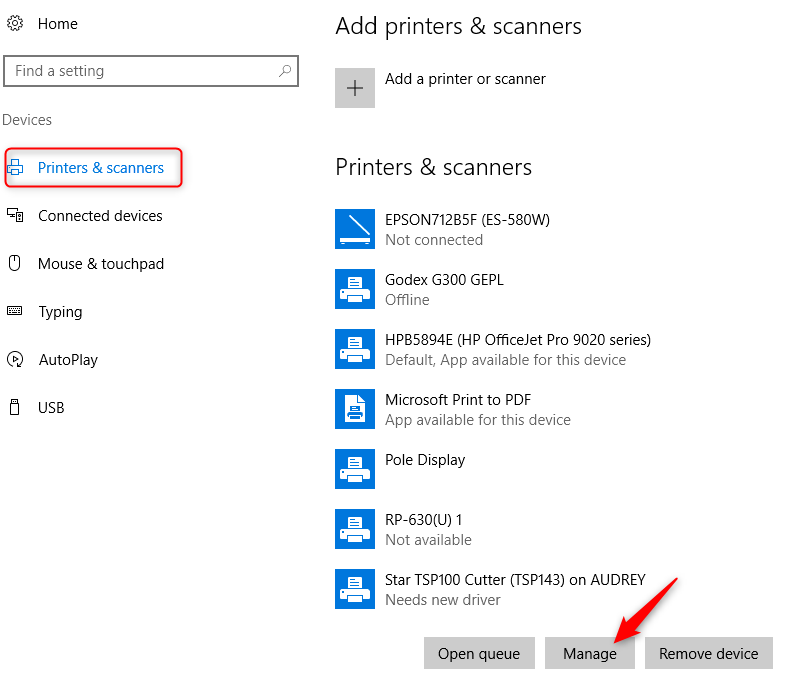
Scroll down to your Star printer and click on it. Click “Manage.”
Click on “Printer properties.”

Click on “Device Settings.”

Set “Peripheral Unit Type” to “Cash Drawer.”

Press “OK.”