
You can easily track customer points for loyalty clubs in Artisan. To see this information broken down in detail, consider using the Loyalty Club Points by Customer report.
Accessing the Report
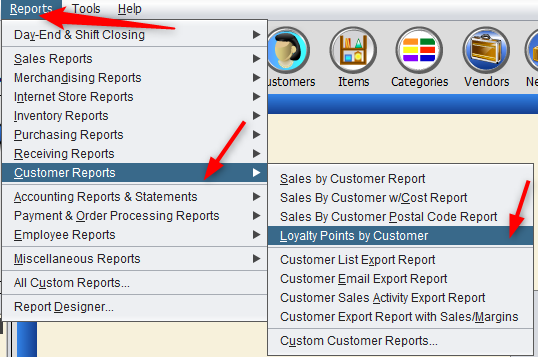
There are two ways you can access this report. Head to the top of the screen and select “Reports,” “Customer Reports,” and “Loyalty Points by Customer.”
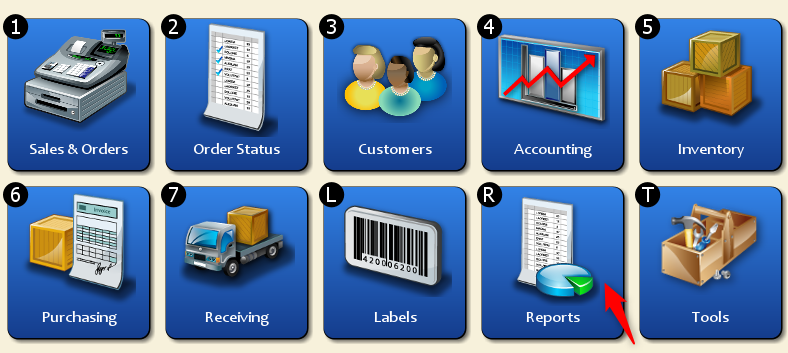
Or, from the “Main Menu,” click on “Reports.“
Select “Customer Reports.”
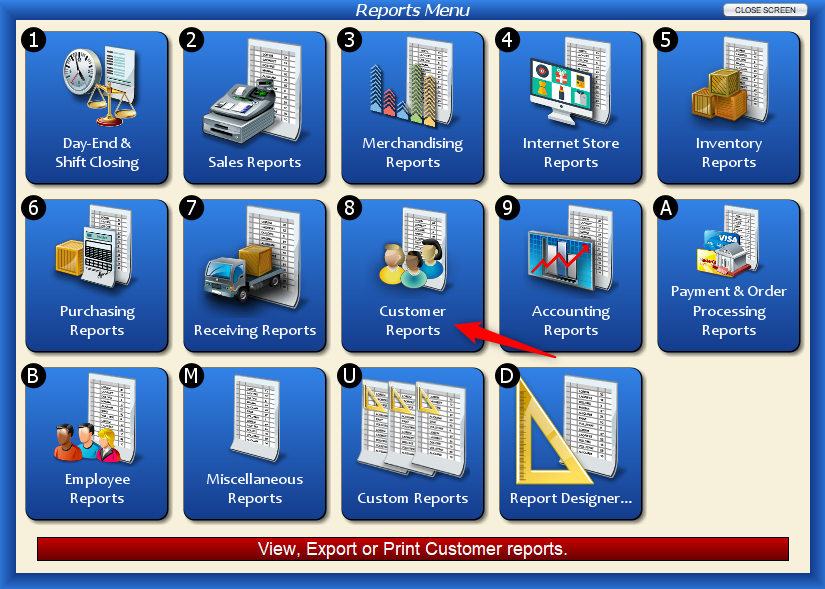
Choose “Loyalty Club Points By Customer.”

Either way, you’ll end up at the following screen.
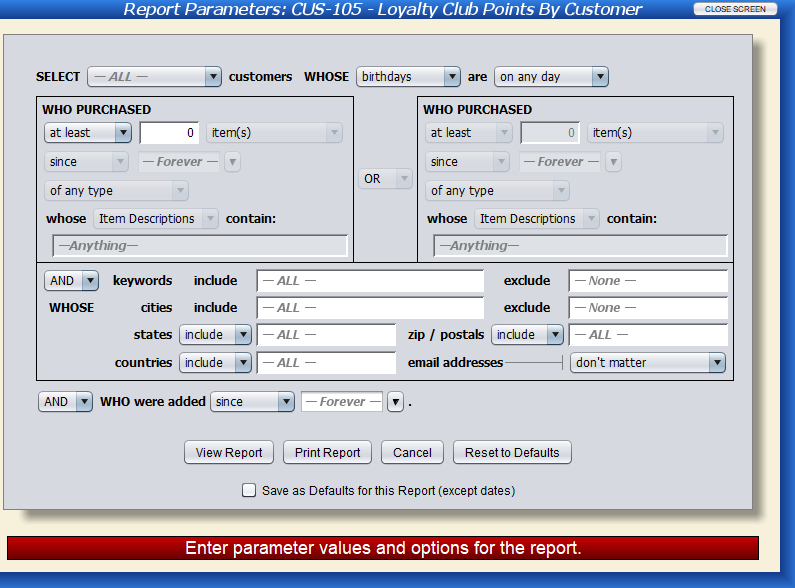
Report Fields
Select
You may narrow down your search options to include only certain customer types, or include them all.
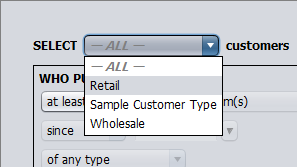
The following dropdowns include additional fields to customize your search.
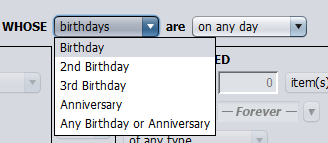
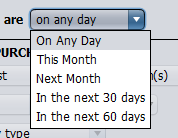
Who Purchased Specific Items or Dollar Amount Between Dates
You can further narrow down the report parameters here. There are plenty of options to “mix and match” your results. For example, you can include customers who purchased at least five items since May 3, 2022. Or, as another example, you can look for customers who purchased more than $50 worth of items in the last three months. These fields truly allow you to be as specific as possible.
You can even look for customers who bought items with specific descriptions or one of your own custom fields.
To narrow or expand your report, you may choose to include or exclude keywords and locations. You can also narrow down email parameters and define your report by when the customer was added to Artisan.
Example Report

Click image to expand
In this example, we chose to display all customers with loyalty points. We can clearly see the name, city, state, the date they became a customer, and which club they’re a part of. Also displayed are the total points each customer has and when they joined the club. This club in particular does not have an expiration date.