
Artisan allows you to store handy information about customers right in their customer record. Artisan will then automatically apply this to customer sales and orders.
Adding/Editing Shipping Info
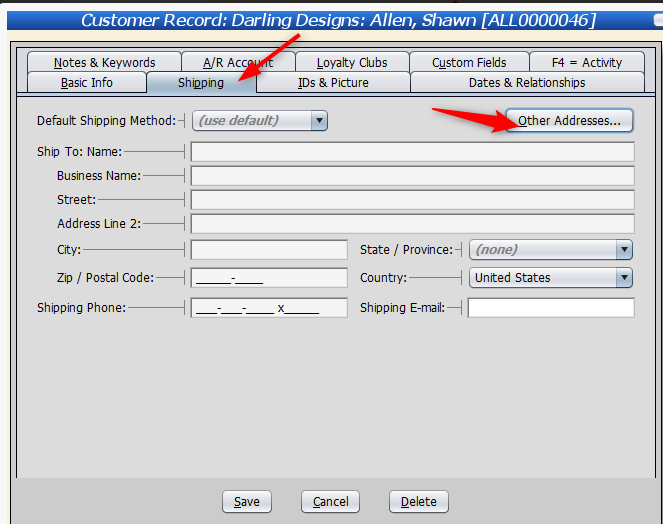
Creating shipping info for a customer is rather straightforward. If you would rather this customer use a default shipping method, leave it at “default.” Otherwise, choose one from the list (ex. FedEx Overnight).
Input their name and address. Include a phone number and an email, if applicable.
Starting with 4.6, you can include additional shipping addresses. Click on “Other Addresses.“
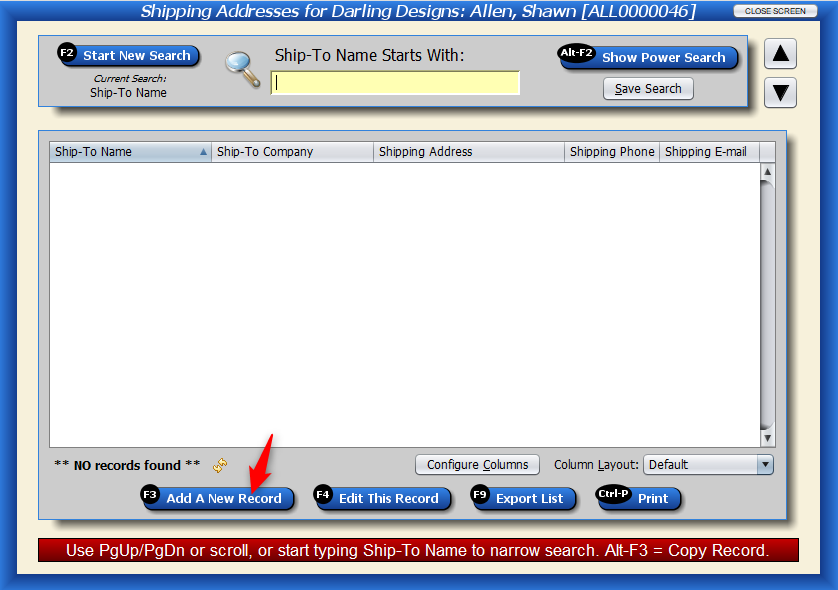
Add a new record.
Fill out the information.

The new address will be located here.
