

Creating customer records is easy in Artisan. Watch this video or read the instructions below to learn more.
From the “Main Menu,” click on the “Customers” shortcut at the top of the screen.
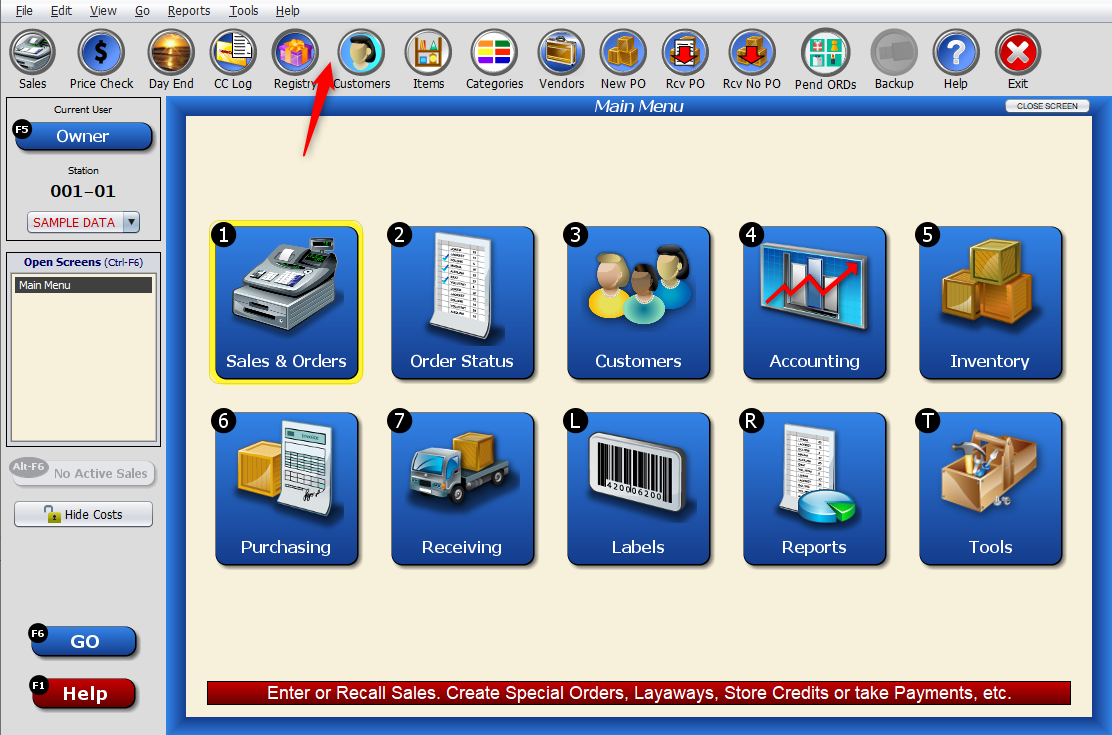
If you have “Sample Data” loaded or have imported records from a previous POS software, you’ll already have some customers in your “Customer Records” list. If not, your list will be blank.

Click on the “Add A New Record” button.
Input the customer’s information, such as first and last name, address, and any other applicable fields.
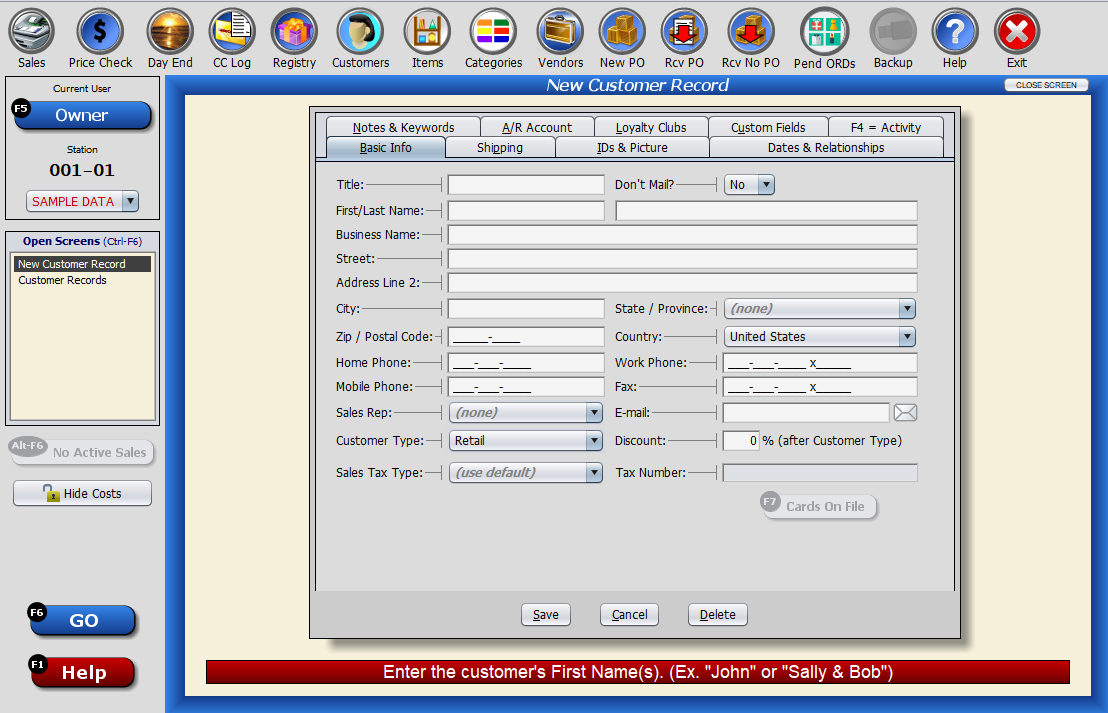
You can also collect this information from their driver’s license. Click here to learn how.
Learn about some of the other Customer Records tabs, and other information:
View Customer Purchase History
Adding Dates and Relationships to Customer Records
Adding Notes and Memos to Customers
Loyalty Clubs & Tracked Coupons
Merging Duplicate Customers Records