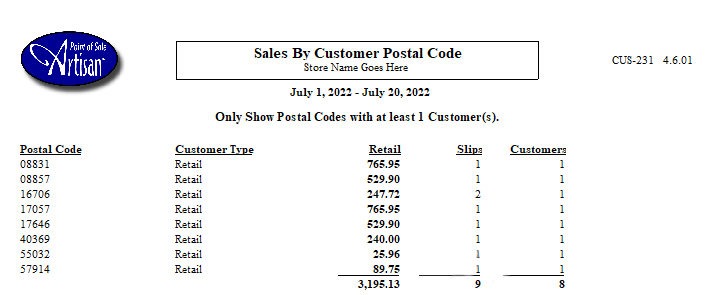
Curious to know how much your customers buy in a specific time period, categorized by zip code? This data can be rather useful when generating a mailing list. Artisan’s handy “Sales By Customer Postal Code Report” shows you this information.
Accessing the Report
There are two ways you can access this report. From the top of the screen, click on “Reports,” “Customer Reports,” and “Sales by Customer Postal Code.”

Or, from the “Main Menu,” click on “Reports.”

Select “Customer Reports.”
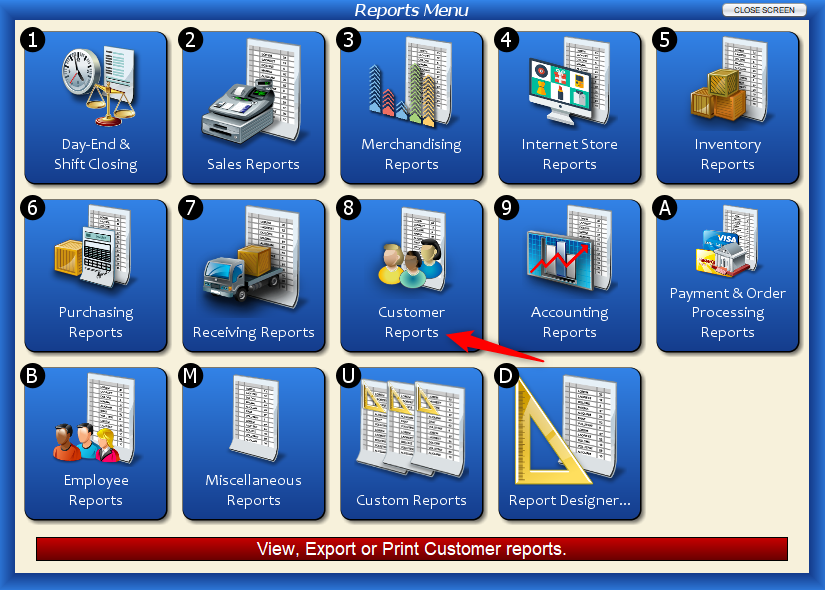
Click on “Sales by Customer Postal Code.”

Either way, you’ll end up at the following screen.

Report Fields
You can tweak these fields to filter the report or leave them as they are.
If you want to change the date, enter it manually or select it from the calendar (accessed from the downward-facing arrows).

Minimum Threshold
This field controls how many postal codes are included on the list. For example, if you want to see postal codes that have at least one customer (that bought something within the time period you specified), leave the minimum threshold set to “1.” If you want to see postal codes that have at least two customers, enter “2,” and so on.
By Number Of
This field lets you choose if you want to filter by number of customers or number of transactions with postal codes.