There are multiple reports you can run within Artisan to view customer information. One of these reports is the “Customer List Export Report.” This report can list customer ID, e-mail, first and last name, street, city, state, zip code, phone numbers, and date they became a customer. You can then export this information to your marketing program of choice, if necessary.
Accessing the Report
There are two ways you can access this report. From the top of the screen, click on “Reports,” “Customer Reports,” and “Customer List Export Report.”

Or, from the “Main Menu,” click on “Reports.”

Select “Customer Reports.”
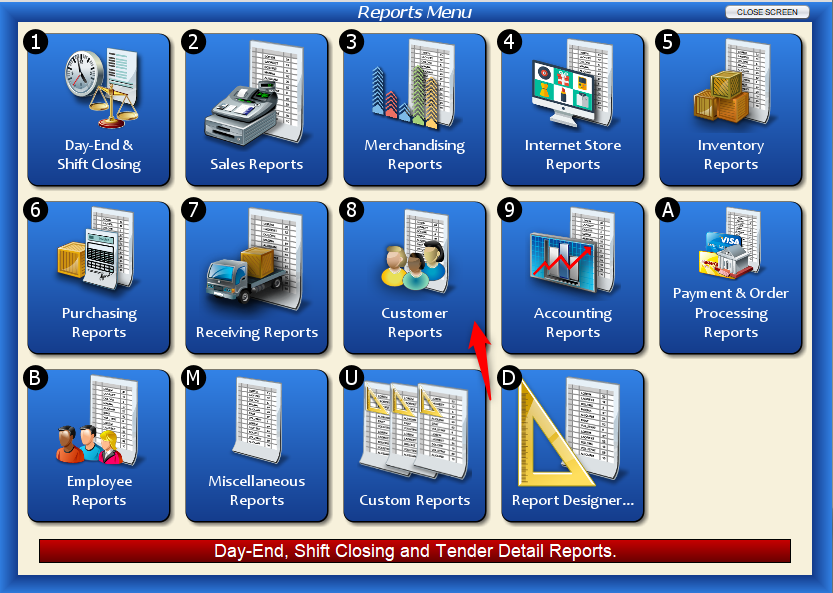
Click on “Customer List Export Report.”

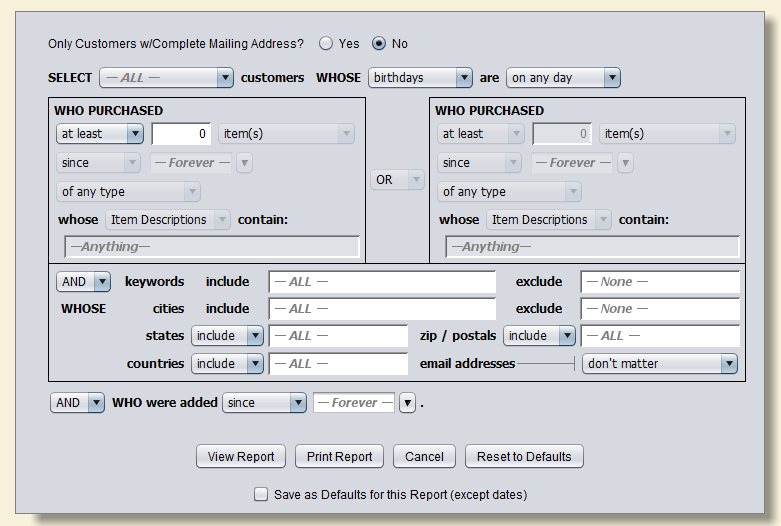
Either way, you’ll end up at the following screen.
Report Fields
Only Customers w/Complete Mailing Address? – With this selected, only customers that have all mailing address fields filled out in their customer record will be included in the report.
Select – This dropdown includes any customer types you have created (ex. retail or wholesale). Leave this set to all to display all customers across all customer types, or select one to only display the customers within that specific customer type.
Whose – This dropdown further filters your customers by birthday or anniversary. For example, if you want to only show customers with birthdays coming up in the next month, select “Birthdays” in the first dropdown, then “Next Month” in the next dropdown.
You can also filter this report by customers who bought a certain quantity of items, spent a certain amount, or returned items. You can further filter this by including only certain categories, vendors, item codes, and other details.
Report Example
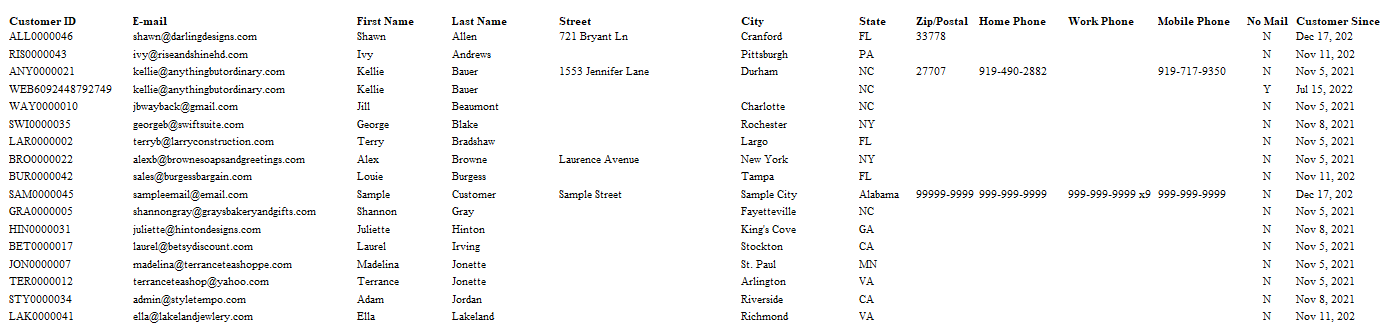
Click image to expand
In this example, we chose to display all of our customers, regardless if they have a complete mailing address or not.
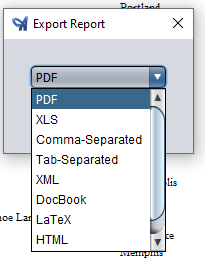
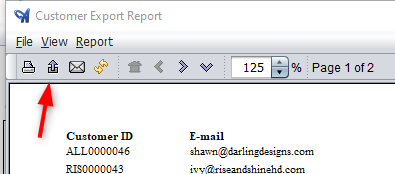
To export your report, click on the purple arrow (export button) at the top left corner of the screen. Or click on “Report” and “Export.”
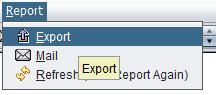
From here, select the file type from the dropdown. For example, most email programs require the comma-delimited (CSV) file type.