The Sales Exports menu provides a number of ways to export Sales information, including by connecting to QuickBooks or other external accounting software.
To get to the Sales Export menu, start by clicking on “Accounting” on the “Main Menu.“
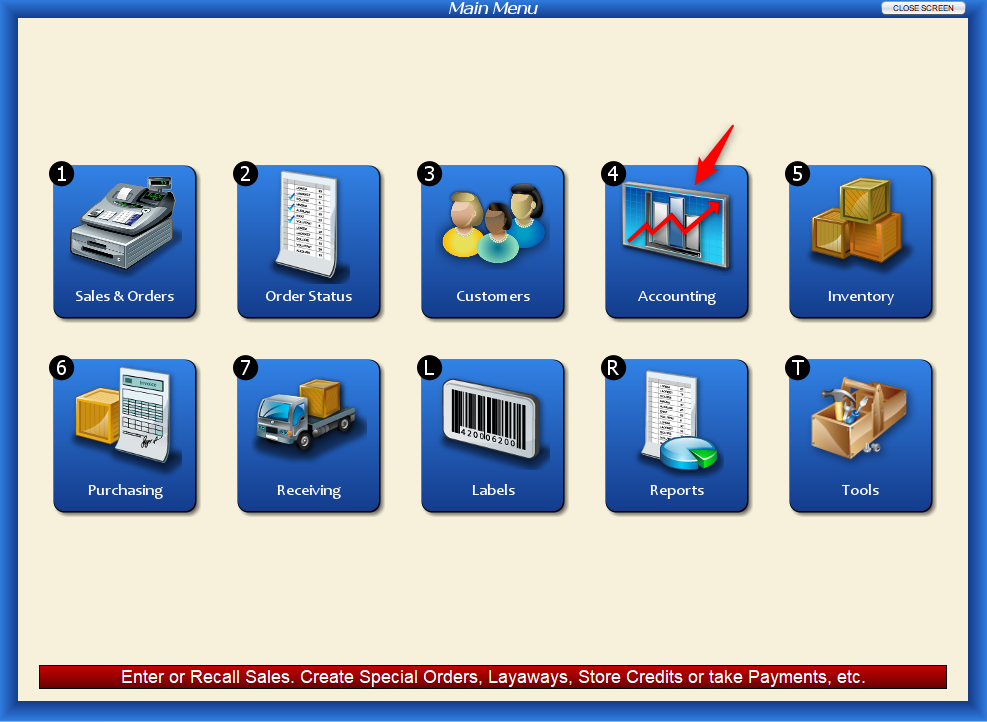
Then select “Sales Exports.”

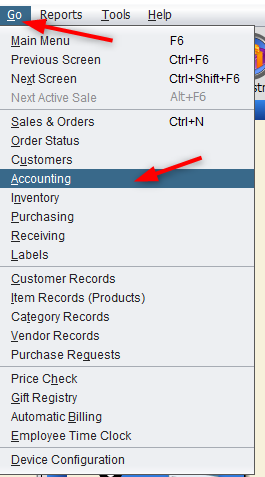
Or, from the toolbar, select “Go” and “Accounting,” and select “Sales Exports.”
Either way, you’ll end up at the following menu screen.
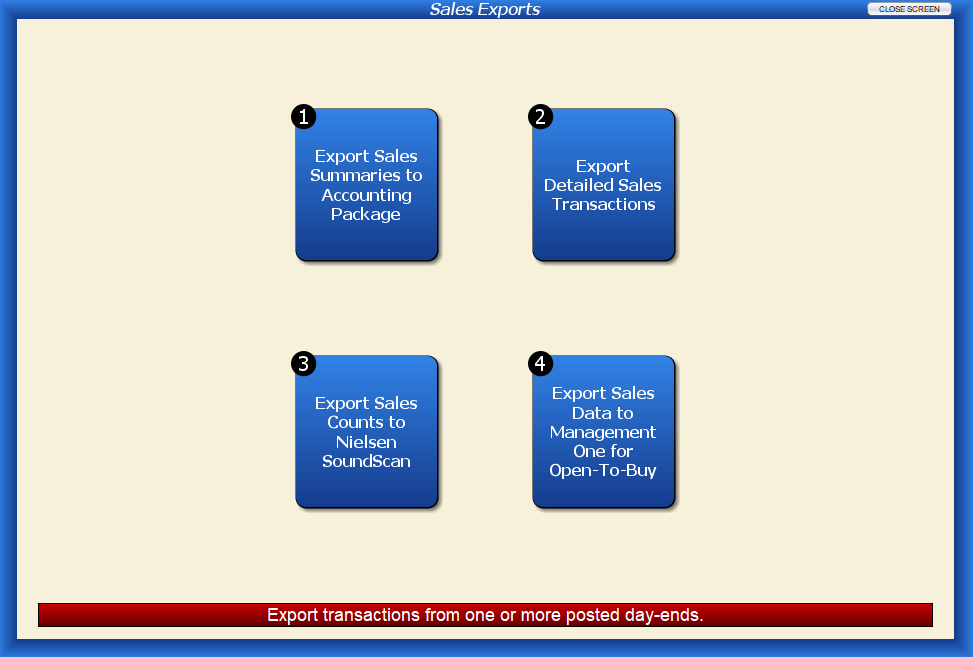
Export Sales Summaries to Accounting Package
This function lets you export Sales Summaries to an External Accounting Program (“Package”) for a date range you specify. See Export Sales Summaries to Accounting Package for details. For general information on external accounting, see Working with External Accounting Software.
Export Detailed Sales Transactions
This function lets you export fully itemized detailed sales transactions for a range of dates, and write them to a text file, using Artisan’s “TTX” (Tagged Text) format, which allows multiple record types to be included in the same file.

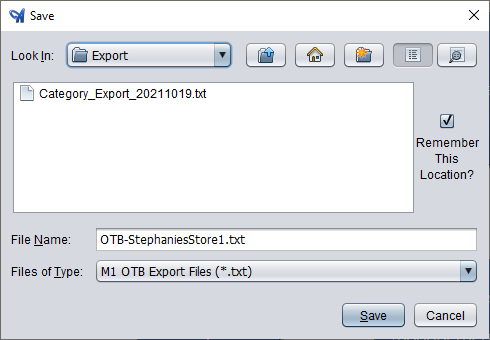
After selecting a date range, choose the file name and location.

Export Sales Counts to Nielsen SoundScan

Export Sales Data to Management One for Open-To-Buy
Use this screen to export your sales data for retail analysis and open-to-buy planning, in the Management One OTB format.