
When to Prompt for Customer
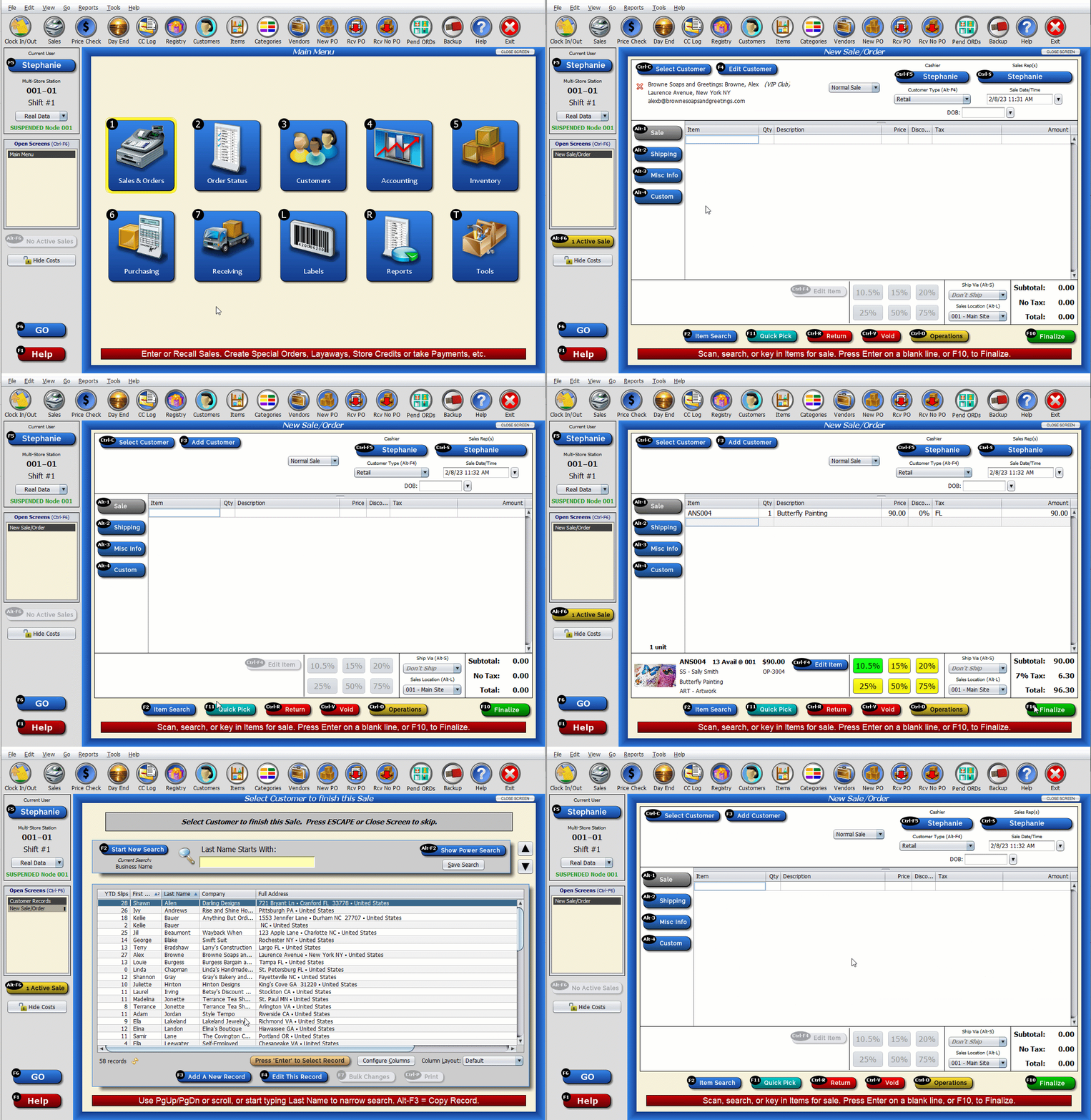
You may choose when (or if) Artisan asks for a customer during the sales process. Artisan can ask whenever a new sale is started, at the end of the sale (after “Finalize” and the payment type is selected), or both. Or, you can choose to have Artisan not ask for a customer at all. However, we recommend attaching a customer to a sale so you have proof of their purchase and transaction history.
Configure Settings
To configure these settings, head to “Program Options.”

Select “Miscellaneous Program Options.”

Select “Sales Screen Options.”

Look for “Auto-Prompt for Customer?” under “Cashier Prompting Options.” Select when, or if, you want Artisan to ask for a customer for the sale.

Save your changes.