You can easily donate items while using Artisan. Common reasons to donate items might be for a fundraiser or charity event. Follow these instructions to learn how to mark a sale as a donation in Artisan.
Sales Screen
Enter the item(s) you want to count as a donation and select “Donation” from the sales dropdown.
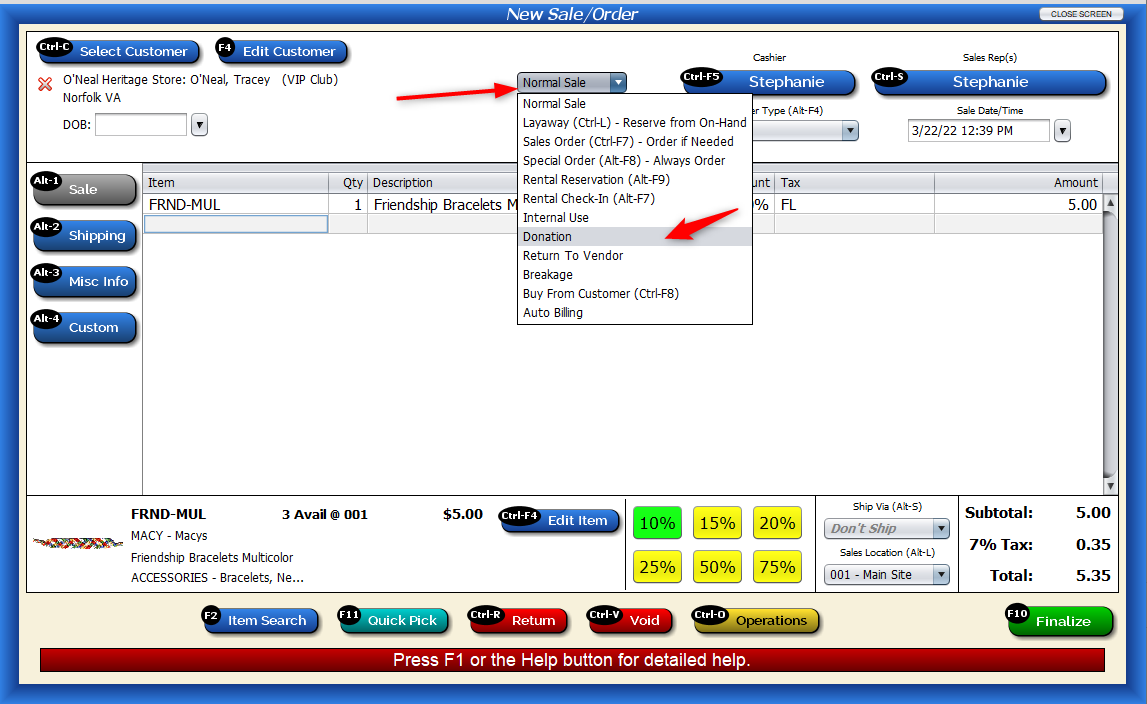
The total will update as “0.” Click “Finalize.”

Press “Save” on the following screen.

View Donations
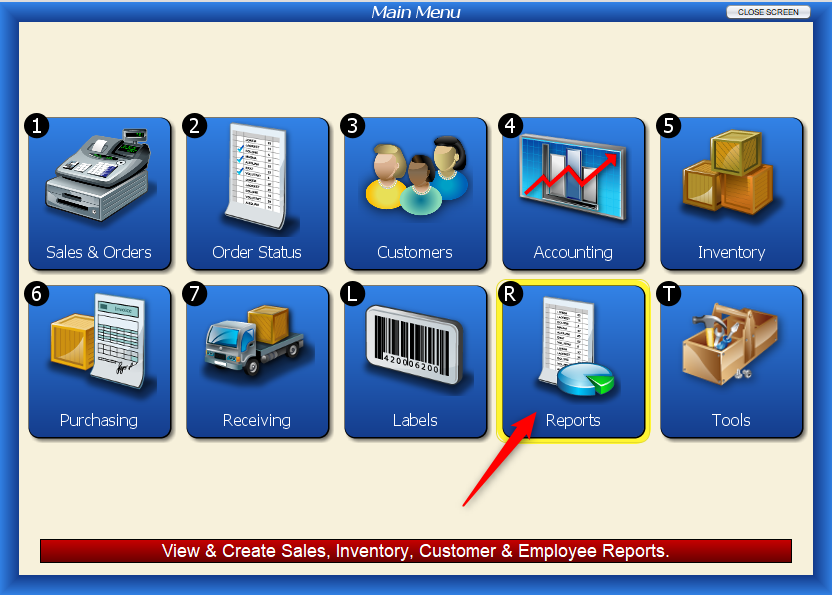
To view a list of all donations that have been made in Artisan, head to “Reports.”
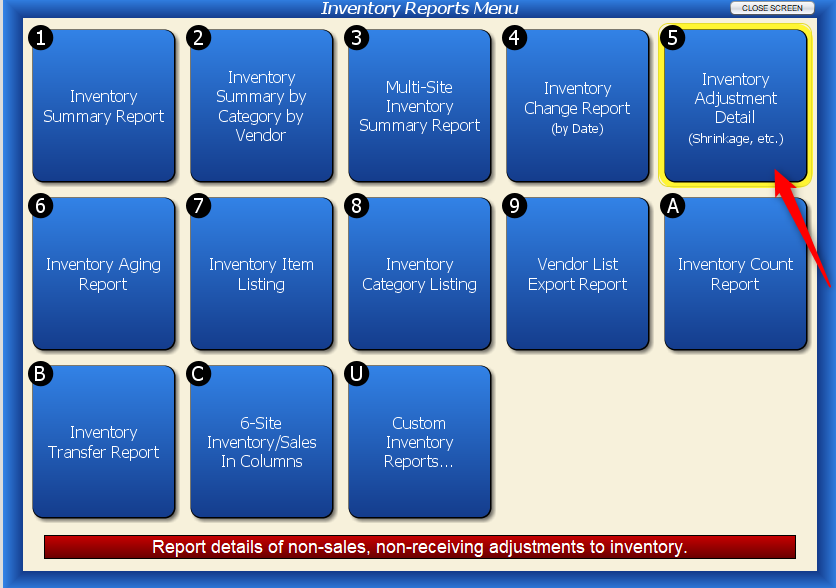
 Click on “Inventory Reports.”
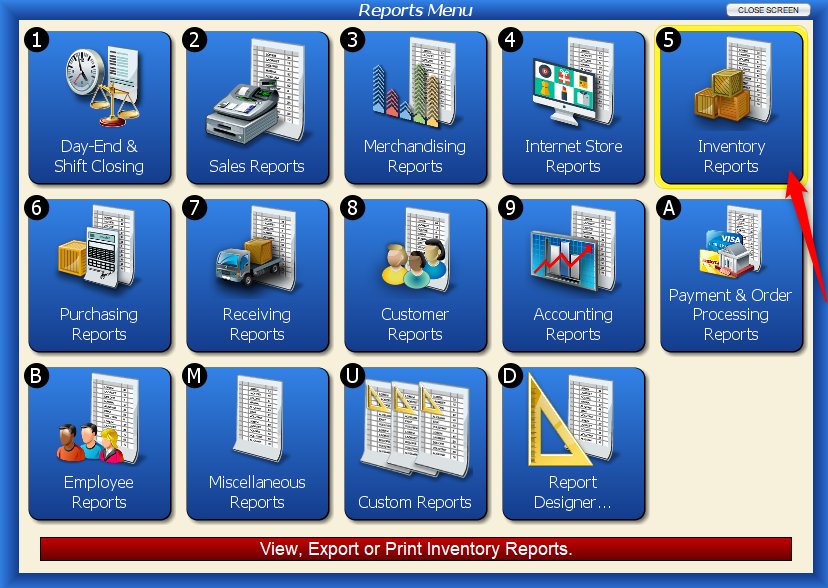
Click on “Inventory Adjustment Detail.”
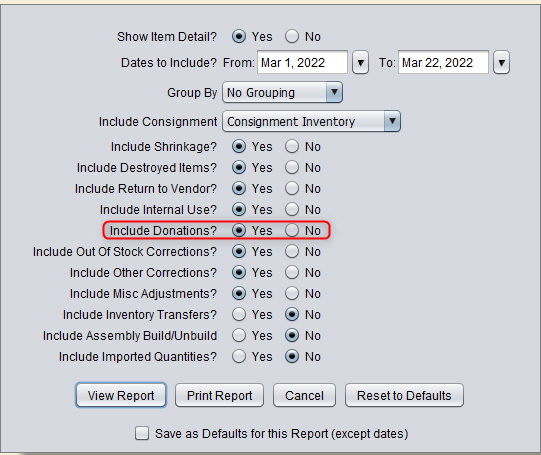
Enter in the relevant date range and make sure “Include Donations?” is set to “Yes.” View the report.
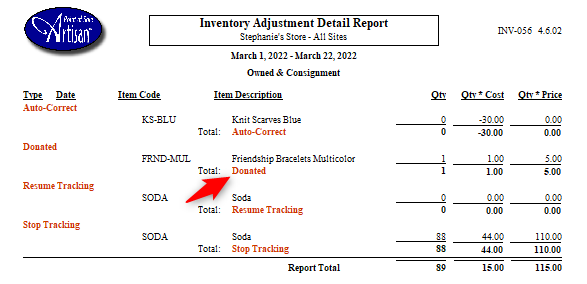
Here is our donated item.