
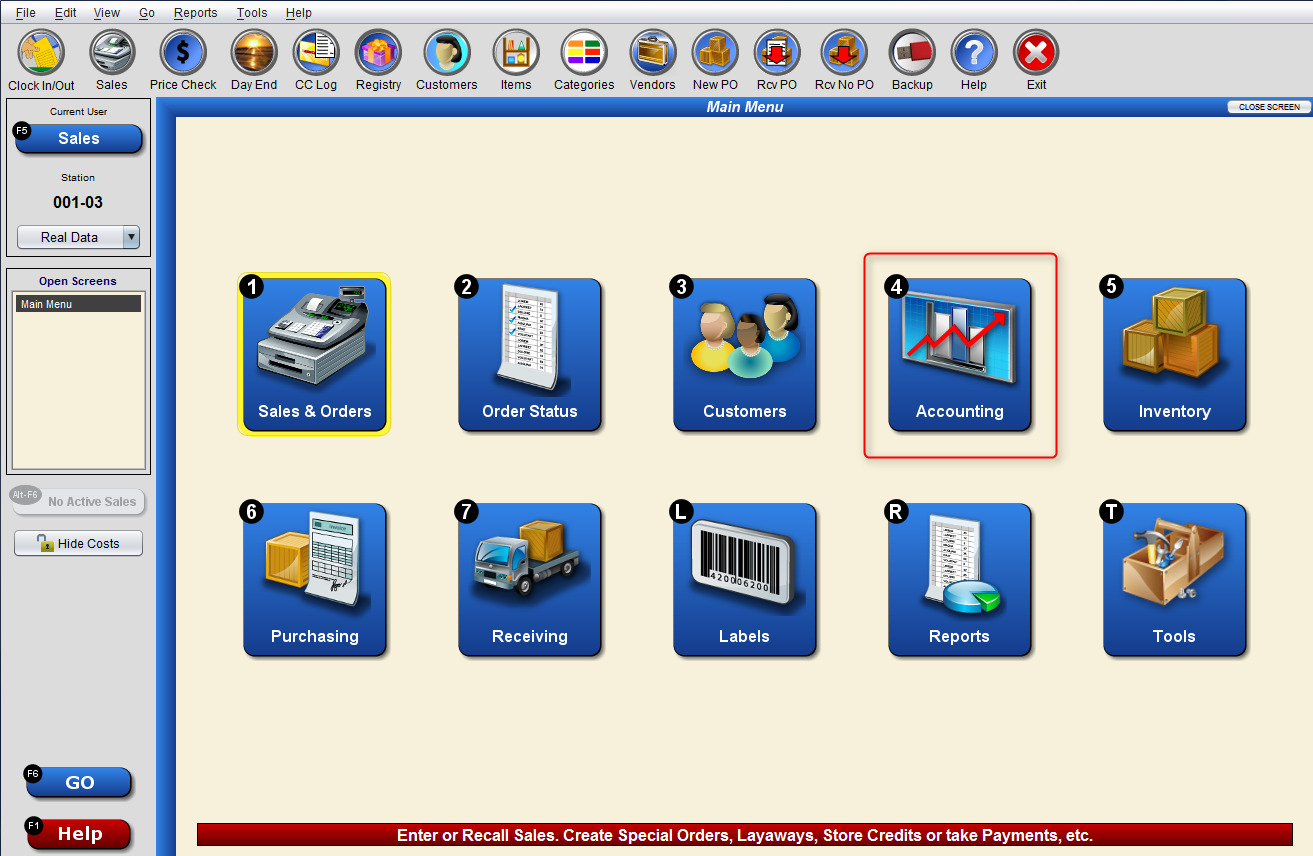
The first step in exporting your data to Management One or other Open-To-Buy (OTB) Planning service is the Accounting (4) function, reached through the Go (F6) menu.
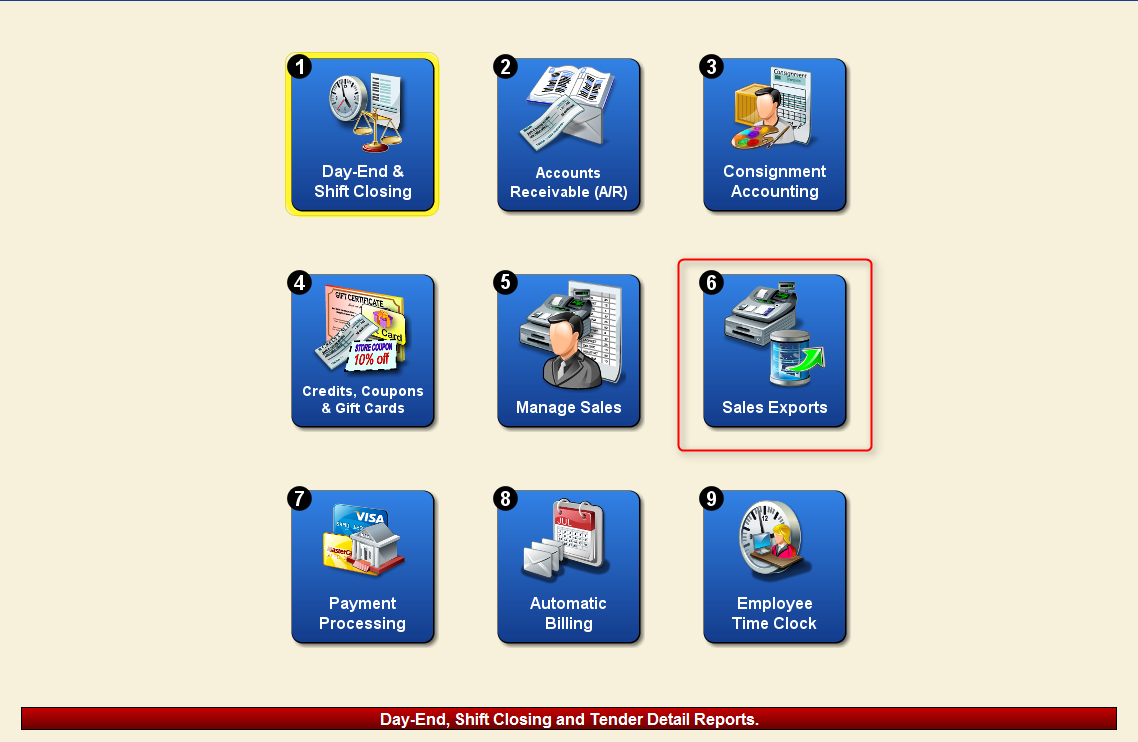
From the Accounting menu, the Sales Exports(6) function will bring up an additional menu with the option to export Open-To-Buy data.
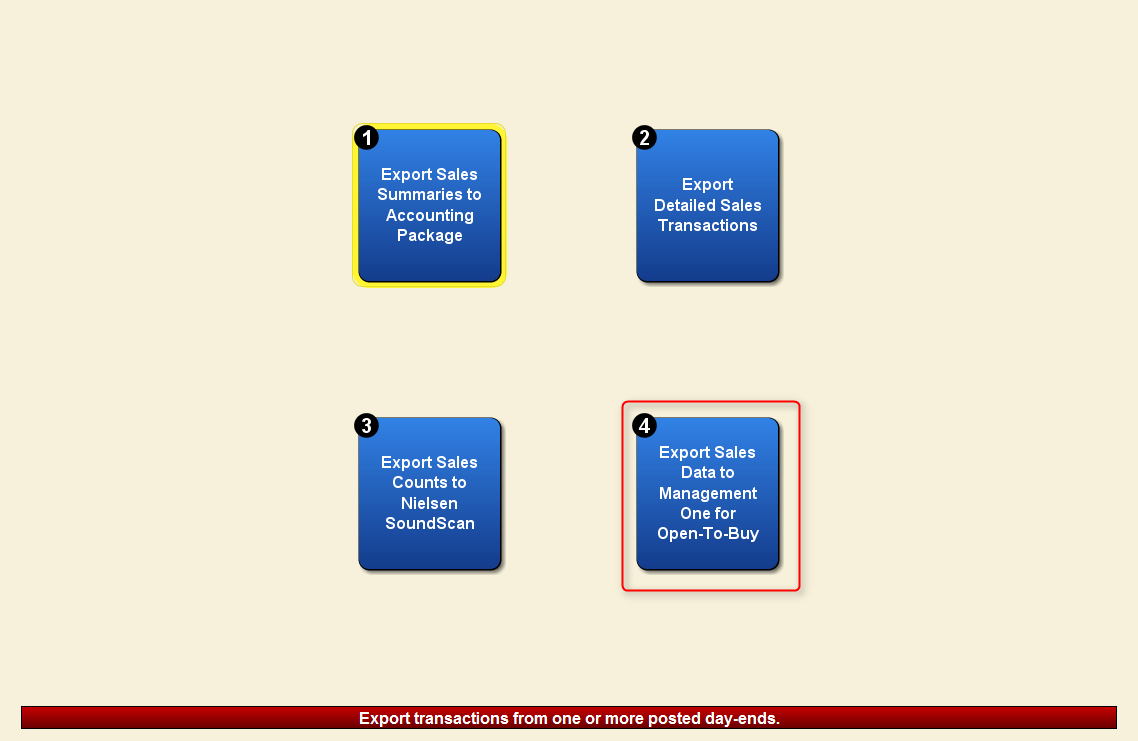
Export Sales Data for Open-To-Buy (M1 Format)(3) will bring up the export options for this function within Artisan.
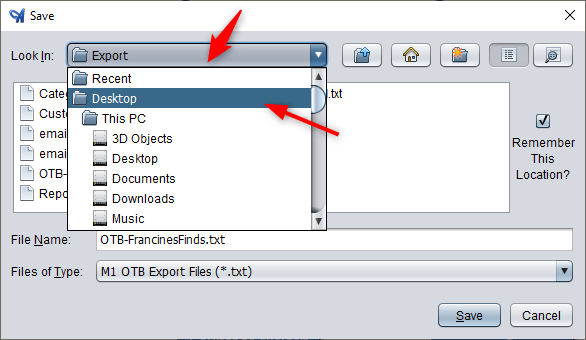
The exported file will be a .txt file that can be placed in a file or location of your choosing, as well as easy to upload directly to your OTB planning service through your dedicated portal or FTP site.
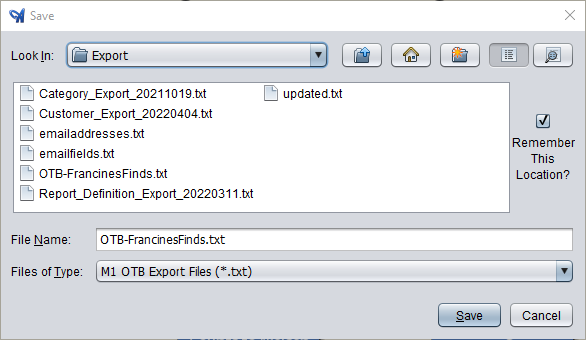
To change the location of this export, simply select the “Look In” dropdown.
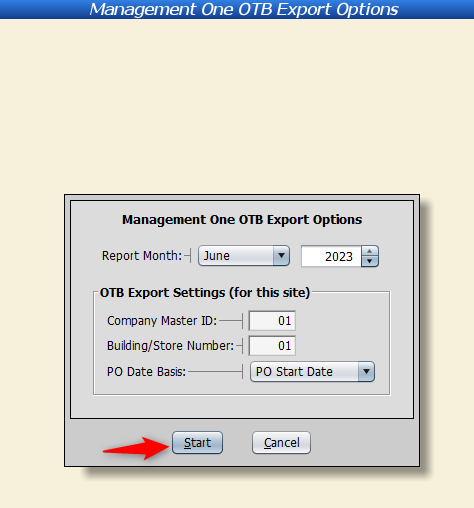
Artisan will then show you the OTB Export Options screen.
Select the Report Month to export, as well as enter in any other additional necessary data – Company Master ID, Building/Store Number, and PO Date Basis.
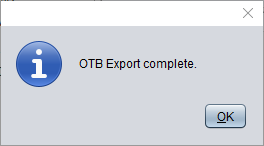
Finally, Artisan will confirm that the export is complete.
Leave a Reply
You must be logged in to post a comment.