

This article explains how to exchange items previously sold in Artisan. Watch this video or read the instructions below to read more.
Exchanging or Adding Items while Doing a Return
When doing a Smart Return, Artisan allows you to add items to that specific sales slip being created. By doing this, you can exchange items by just selecting the items the customer wants and adding it to the same slip. Artisan will take care of the balance/amount due when finalizing the sale. Likewise, you can add as many items as you want, and it will be just another sale that includes a returned item.
In other words, if the customer wants to purchase additional items, then they can be added to the same return’s transaction. Any additional amount due will show when you finalize the sale.
If there are no additional items being purchased at this time, then finalize the sale. You will be prompted to either:
-
-
- Refund this amount to the original credit card that was used for the purchase, or
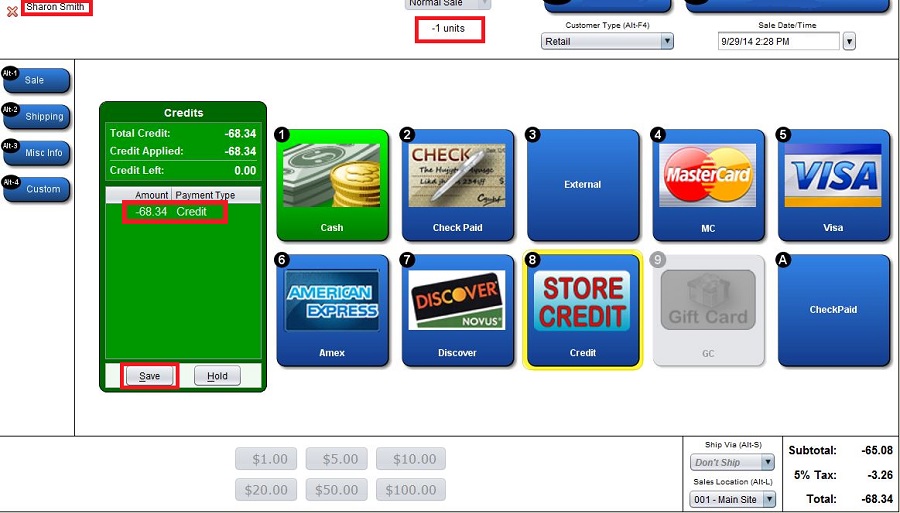
- Issue a Store Credit, or
- Refund to a different payment type, including Cash
-
When issuing a Store Credit, you should have a Customer Name entered.
Leave a Reply
You must be logged in to post a comment.