
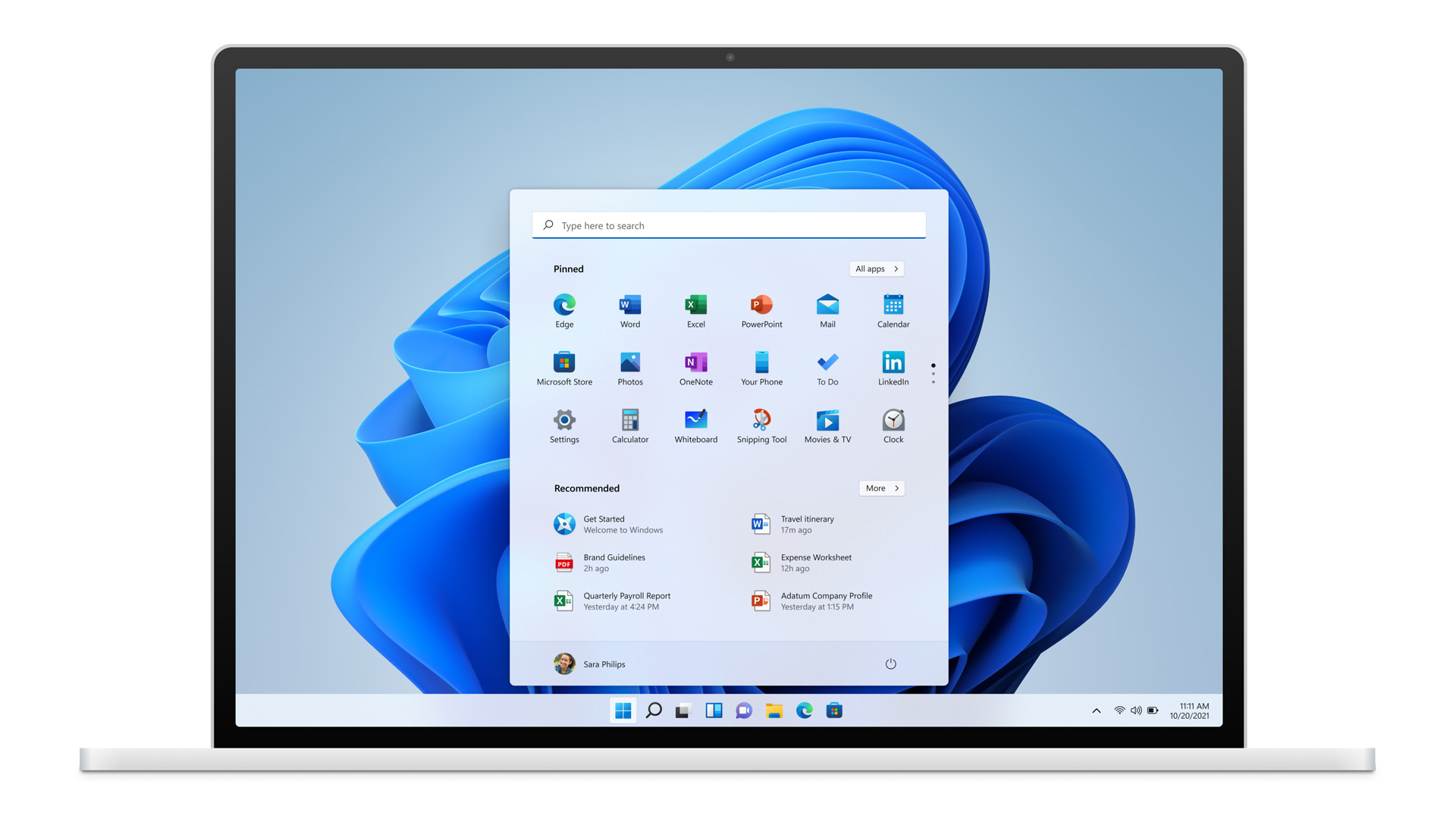
 Please read this article before updating your computer to Windows 11.
If you plan on updating to Windows 11, we recommend you back up your files, or test the update first on a non-critical computer. There is no way to undo the Windows 11 update once your computer has been updated.
All current versions of Artisan POS will run on Windows 11 (including 3.5 and the latest 4.X versions). Many of our users have been running on Windows 11 for years now. There have been no major problems, but a few things, such as specialized printer drivers, may need to be updated to work with Windows 11.
Click here if you experience printer sharing issues with Windows 11.
If you have a Zebra ZT230 Label Printer, read this article.
You may also need to install a newer version of PostgreSQL, as described here, if this is your “main” computer, where the Artisan data is stored, and you’re using a PostgreSQL older than version 12 (or just want to take this opportunity to get to the latest recommended version).
Please keep in mind that hardware, such as printers and scanners, as well as device drivers, are out of our control, and we cannot predict how they will interact with operating system updates.